.svg)
HR Software Buyers' Guide | Free Download
HR Software Capability Audit
Choosing HR software is a business-critical investment. It shapes how HR, Operations, Payroll and Finance control workforce cost, risk and performance.
Our HR Software Capability Audit and Workbook helps buying teams define what good looks like, challenge vendor claims and compare platforms against the workflows and outcomes that matter. Use it to expose gaps, dependencies and hidden costs before making a long-term commitment.
Use the guide to:
- Define the capabilities your organisation genuinely needs
- Expose gaps hidden behind vendor feature lists
- Test whether critical workflows connect end to end
- Prioritise must-haves before demos and negotiations
- Compare shortlisted platforms on a consistent basis
- Capture evidence, limitations, dependencies and hidden costs
Download Free Resource
HR Software Guidance
How to Make Better Decisions with HR Software
HR software can affect how employees are recruited, scheduled, paid, supported and developed. Carrying out proper due diligence helps ensure the platform can support your organisation today without creating new data, cost or operational problems as the business grows.
Define the Problems the Platform Must Solve
Start with the processes, risks and business outcomes that need to improve. This prevents attractive but low-priority functionality from distracting the buying team from the capabilities that will deliver meaningful value.
Prioritise Your Requirements
Separate essential capabilities from preferences and future needs. A provider should be assessed on how well it meets your organisation’s critical requirements, not simply on the total number of features it offers.
Test How Capabilities Work Together
An all-in-one platform should connect data across the employee lifecycle. Ask vendors to demonstrate complete journeys, such as candidate information moving into onboarding or approved working hours flowing into payroll without manual re-entry.
Ask for Evidence, Not Assurances
A website tick or salesperson’s confirmation should be the beginning of the assessment, not the end. Use realistic demonstrations to confirm how each capability works, which module provides it and whether integrations or manual steps are required.
Assess the Platform Beyond Its Features
Security, data protection, migration, implementation, training and support can determine whether the project succeeds. Review the vendor’s technical controls and service model with the same care as its HR functionality.
Compare the Full Commercial Commitment
Subscription pricing rarely represents the complete cost. Consider implementation, migration, payroll processing, integrations, additional modules, training, annual increases and the cost of retrieving your data at the end of the contract.
What Is Included in the Guide?
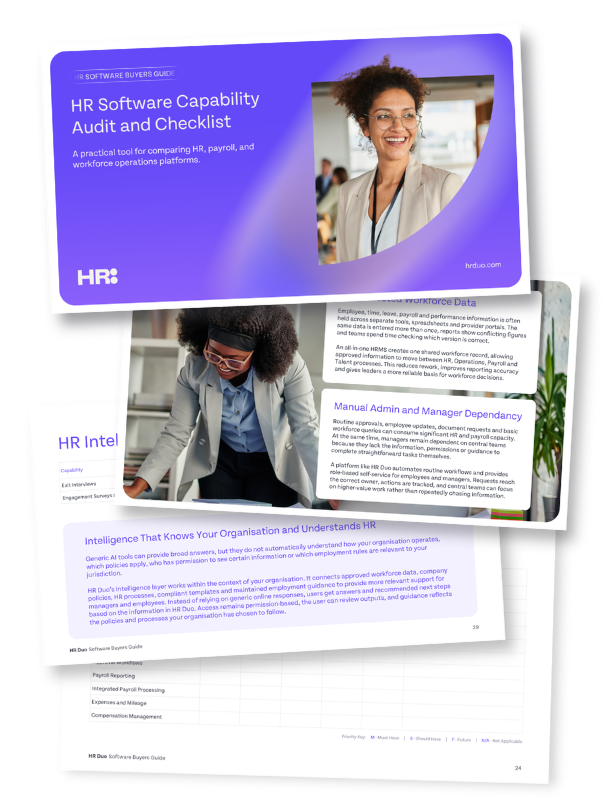
This guide gives you a practical framework for moving from a long list of software options to a more confident, evidence-based shortlist. It helps you focus on the capabilities, risks and commercial considerations that will determine whether a platform can genuinely support your organisation.
Use the Guide to:
- Define the capabilities your organisation needs now and as it grows.
- Compare vendors against the same criteria, rather than relying on different sales pitches.
- Build a simple capability matrix that makes strengths, gaps and unanswered questions easier to see.
- Identify whether critical processes genuinely connect across HR, Operations, Payroll and Talent Management.
- Look beyond attractive features to assess security, data control, implementation and long-term service.
- Uncover additional modules, integrations, support charges and other costs that may not appear in the headline price.
- Give HR, Operations, Payroll, Finance and IT a shared framework for evaluating each option.
- Create a clearer, more defensible shortlist before committing time and budget to a new platform.
Your Human Resource software solution shouldn’t sit in silos
HR Duo brings your workforce, HR and talent processes together in one connected platform, so your teams can stop jumping between systems and start working from a single source of truth.
-
Time Tracking
-
Attendance
-
Payroll
-
Employee Profiles
-
Rotas
-
Time Tracking
-
Attendance
-
Time Tracking
-
Attendance
-
Payroll
-
Employee Profiles
-
Rotas
-
Time Tracking
-
Attendance
Run rotas, attendance and payroll in one place.
-
HR Policies
-
Contracts
-
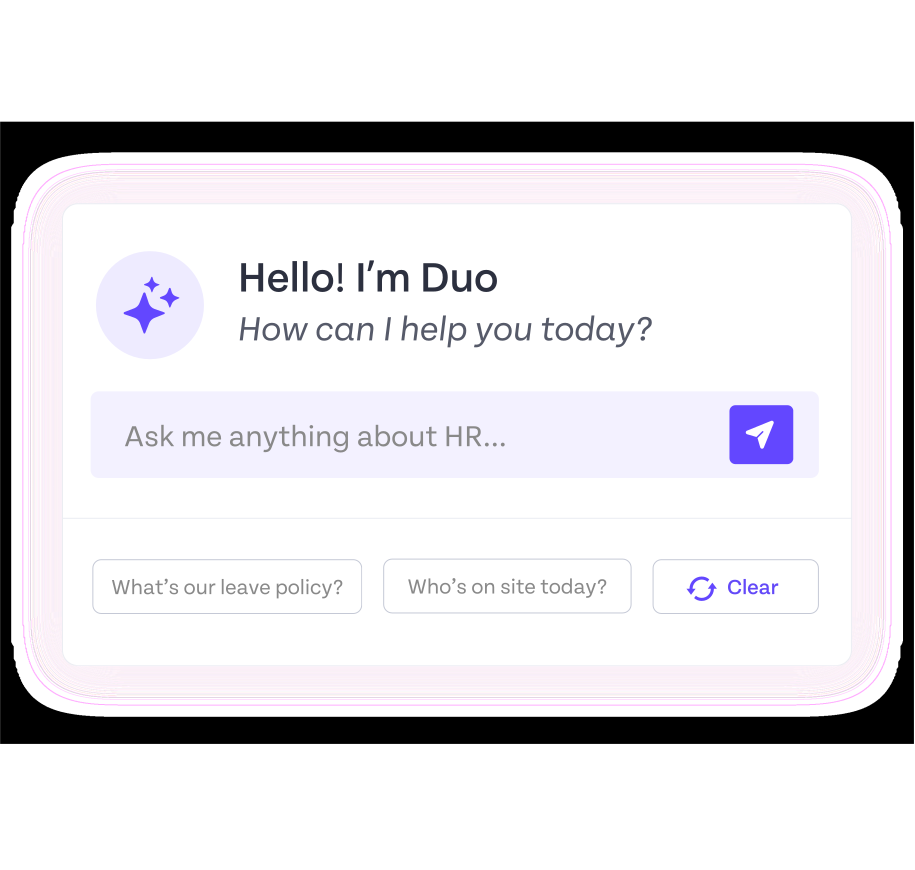
AI Assistant
-
Letters
-
Connected Forms
-
HR Policies
-
Contracts
-
HR Policies
-
Contracts
-
AI Assistant
-
Letters
-
Connected Forms
-
HR Policies
-
Contracts
Manage HR admin, policies and compliance faster.
FAQs
What is an HR software capability audit?
An HR software capability audit is a structured way to assess whether a platform can support your organisation’s HR, payroll, workforce operations, talent, security and reporting requirements.
It helps buyers look beyond features and focus on what each capability should achieve in practice.
What should I look for when comparing HR software?
Start with the business problems the software must solve, then assess functionality, data connectivity, user experience, security, implementation, support and total cost.
The strongest platform is not necessarily the one with the most features, but the one that meets your critical requirements and connects them effectively.
Is all-in-one HR software better than separate HR tools?
It can be, particularly for growing, multi-site or workforce-led organisations. A properly connected platform can reduce duplicate administration, improve reporting accuracy and give HR, Operations, Payroll and Finance a shared view of workforce activity.
Why is scoring HR software vendors important?
A simple scorecard gives every provider the same evaluation framework. It makes strengths, gaps and unanswered questions easier to identify and helps prevent decisions being driven only by a polished demonstration, familiar brand or persuasive salesperson.
Does the checklist help compare HR Duo with other HR software providers?
Yes. The workbook lets you assess HR Duo and other shortlisted providers against the same capability, implementation and commercial criteria.
To keep the comparison impartial, we have deliberately left HR Duo’s capability scoring blank, allowing you to verify each requirement for yourself during research, discovery and product demonstrations.
Can the guide help create an HR software shortlist?
Yes. By prioritising requirements, recording confirmed capabilities and identifying critical gaps, the guide helps buyers reduce a broad market search to a more focused shortlist of providers worth progressing to detailed demonstrations and commercial discussions.